

Choosing the right professional networking tools determines how effectively you can build new connections and maintain existing ones. NFC technology has transformed the way professionals exchange information, offering an instant transfer of digital profiles with a simple tap. In this article, you will discover how to select the right NFC networking tactics, leverage their advantages, and overcome technical limitations to stand out at every professional meeting.
Table of contents
- Key takeaways
- Criteria for choosing modern NFC networking tactics
- 7 tips for improving NFC networking
- Comparing NFC with traditional business cards
- Level up your networking with TagTouch cards
- Frequently asked questions about modern NFC networking
Key Takeaways
| Point | Details |
|---|---|
| Instant profile transfer | NFC technology allows for the instant transfer of digital profiles with a single tap in seconds. |
| QR backup | Ensure a QR code is printed as a backup for older devices or technical issues. |
| Security and encryption | Prioritize encryption and secure transfer for sensitive professional information. |
| Speed at events | Fast data exchange determines efficiency at conferences and professional events. |
Criteria for choosing modern NFC networking tactics
Choosing the right tactic for your professional networking requires attention to specific technical and practical criteria. First and foremost, device compatibility plays a decisive role, as incompatibility reaches 20-30% on older or non-NFC phones. That is why you always need a backup plan, such as an embedded QR code, to ensure that every contact can receive your details.
The reliable operation of NFC depends on many factors. Proximity between devices must be 1-4 centimeters, while metal cases or interference may block data transfer. Furthermore, the security of the data you share should be a priority, especially when including sensitive business information in your digital profile.
Key selection criteria include:
- Compatibility with 70-80% of modern smartphones
- QR code fallback option for older devices
- Data encryption and secure information transfer
- Ease of use for quick exchanges during events
- Professional appearance that enhances your brand identity
- Ability to instantly update content without physical replacement
Usability at events and meetings is the final but equally important criterion. At a conference or networking event, the speed of information exchange makes all the difference. A good NFC business card allows you to share your full digital profile in seconds, without requiring your contact to download an app or type in a URL.
7 tips for improving NFC networking
With the selection criteria understood, it is time to explore specific practices that will transform the way you network professionally. The following tips are based on the real-world experiences of professionals who have adopted NFC technology and seen measurable results in the quality of their contacts.
-
Use direct proximity for profile exchange: Bring your card within 2-3 centimeters of the back of your contact's smartphone. The instant sharing of digital profiles without apps happens in less than 2 seconds when placed correctly.
-
Schedule profile updates before every event: Check and update your contact information, social media links, and portfolio 24 hours before any professional event. This ensures that every new contact receives the most up-to-date information.
-
Organize your contacts in real time: Immediately after every exchange, write down brief notes about where you met and what you discussed. This helps you personalize your follow-up email or message.
-
Always keep a QR code backup: Ensure your NFC card includes a printed QR code for compatibility with older phones or in case of technical issues.
-
Integrate social networks and portfolio: Connect your LinkedIn, Instagram, website, and online portfolio to your digital profile. Your contacts will appreciate the comprehensive picture of your professional identity.
-
Customize the digital card according to the audience: Create different profiles for different professional contexts. For example, one profile for clients and another for partners with different highlights.
-
Practice using NFC before events: Test your card on different smartphone models to familiarize yourself with the process and avoid awkward moments during important meetings.
Professional tip: Keep your NFC card in your wallet or jacket pocket, not next to other magnetic cards that might cause interference. Immediate access and proper storage ensure your card will work perfectly every time.
Comparing NFC with traditional business cards
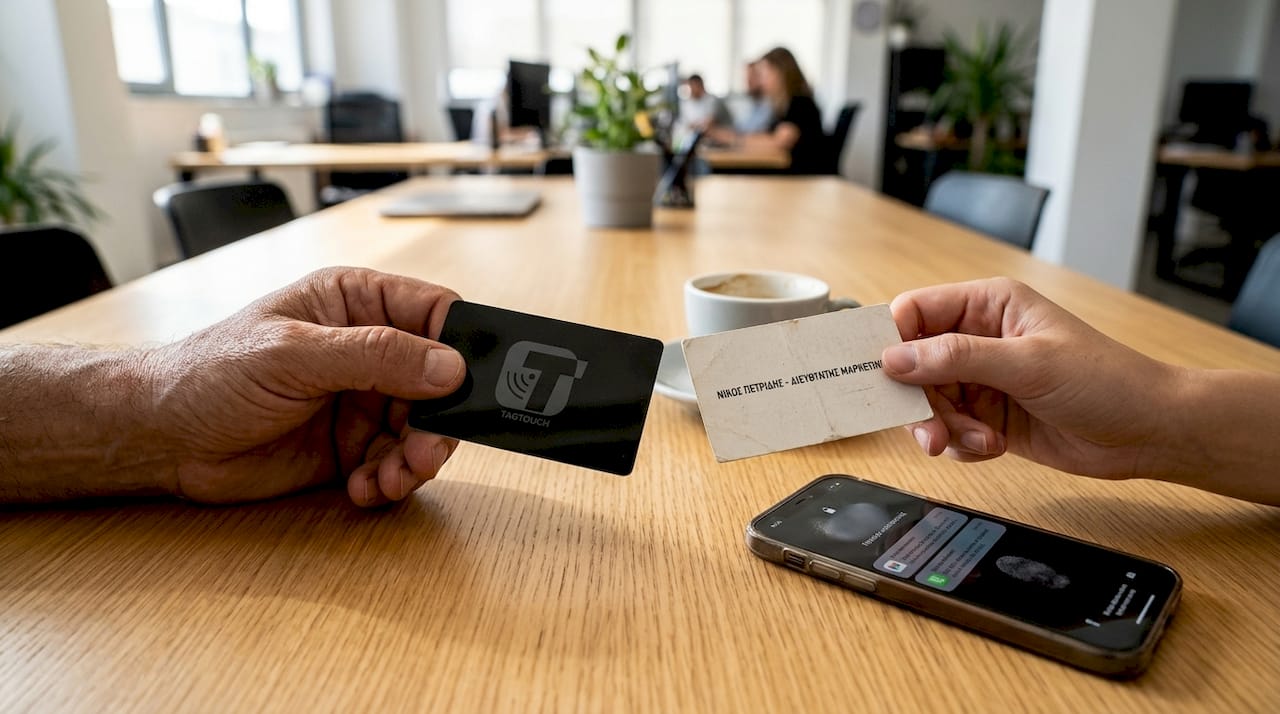
After examining practical tips, it is useful to see a clear comparison between NFC cards and traditional paper business cards. Understanding the differences will help you decide which solution best fits your needs or if you need a combination of both.
| Feature | NFC Cards | Traditional Cards |
|---|---|---|
| Updating information | Instant and dynamic without reprinting | Requires new printing for every change |
| Quantity of information | Unlimited via digital profile | Limited to physical card space |
| Compatibility | 70-80% of modern smartphones | 100% with all people |
| Initial investment cost | Higher (15-50€ per card) | Lower (0.10-0.50€ per card) |
| Environmental footprint | Zero for updates, one card for years | Continuous printing and disposal |
| Professional image | Modern, technologically advanced | Classic, familiar to all |
| Exchange speed | 2-3 seconds with a tap | 5-10 seconds with manual delivery |
| Contact tracking | Analytics and tracking capability | No tracking |
The dynamic updating of connections offered by NFC is its greatest advantage. If you change your job position, phone number, or email, you simply update your digital profile, and all the cards you have shared automatically lead to the new details. With paper cards, you would have to discard all the old ones and print new ones.
However, the technical limitations of NFC should not be ignored. 20-30% of people might not have a compatible device or may not know how to use the technology. This is why many professionals keep a small supply of paper cards as a backup, especially when networking with older generations or in more conservative professional sectors.
Professional tip: Do not give up traditional cards entirely. Keep 20-30 paper cards for situations where NFC is not practical, such as in outdoor areas with poor connectivity or when meeting someone who prefers a physical object. Combining both methods ensures 100% coverage.
Level up your networking with TagTouch cards
Now that you understand the best practices and benefits of NFC networking, the next step is to choose the right card that fits your professional identity. TagTouch offers a series of premium NFC cards that combine functionality with impressive design.
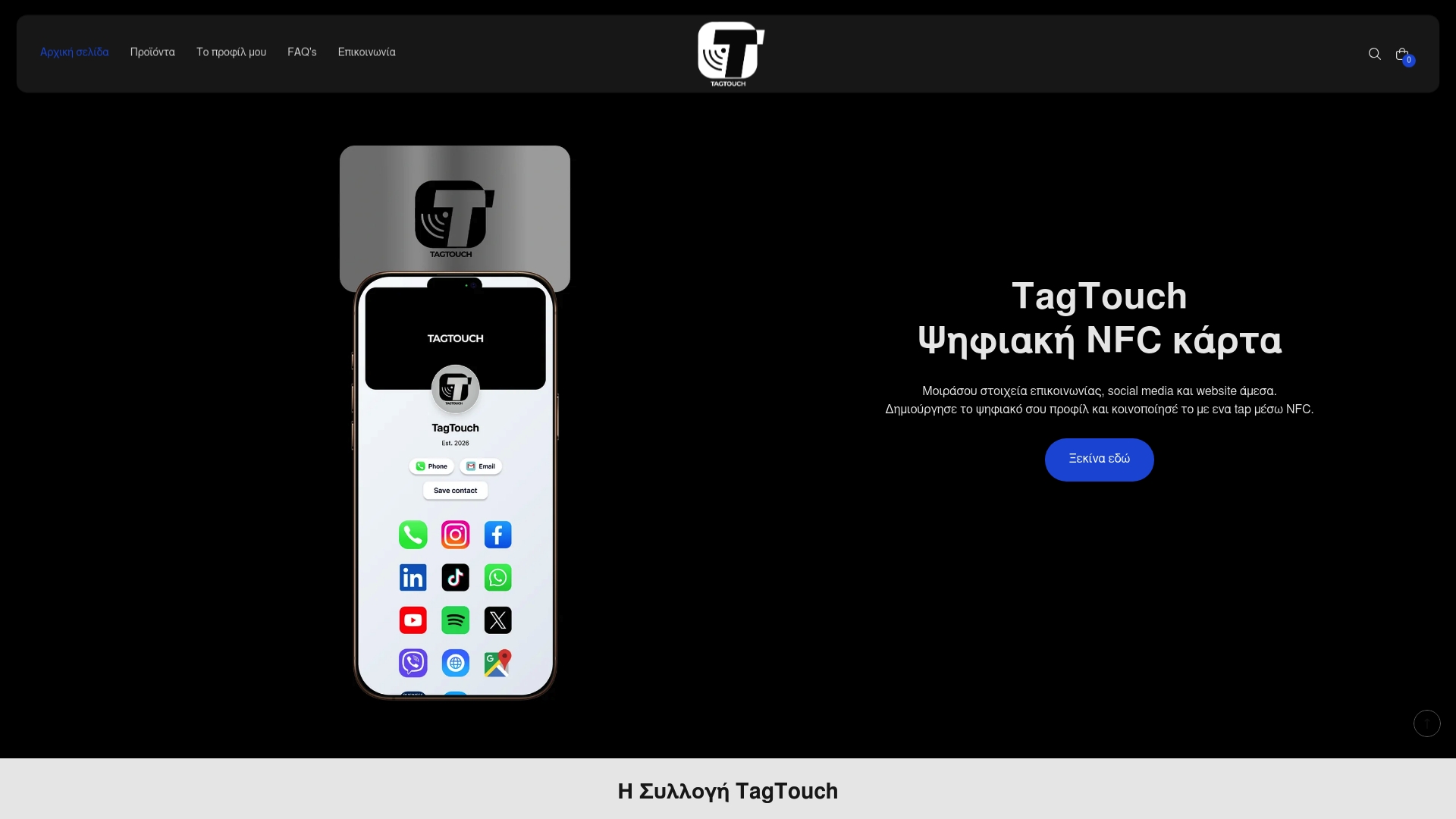
The Mirror NFC card offers a luxurious mirrored surface that impresses at every exchange, while the White NFC PVC card provides classic elegance with excellent durability. For those seeking the ultimate premium feel, the Black NFC metal card instantly conveys an image of professionalism and innovation.
Each card links to your own customizable digital profile where you can add contact details, social media, website, portfolio, and business information. The platform allows for instant updates, so your profile remains always up to date without needing to order new cards.
Frequently asked questions about modern NFC networking
Which phones support NFC?
Most smartphones released after 2018 feature built-in NFC technology. This includes all iPhones from the iPhone 7 onwards, as well as Android devices from manufacturers such as Samsung, Google, Xiaomi, and Huawei. To check if your device supports NFC, open your settings and search for the NFC option under connections.
How is the lack of NFC on a device handled?
All quality NFC cards include a printed QR code on the back as an alternative solution. If your contact does not have NFC, they can simply scan the QR code with their mobile camera and gain access to your digital profile. This dual functionality ensures 100% compatibility with all devices.
Is data exchange via NFC secure?
NFC technology is extremely secure as it only works at a very close range of 1-4 centimeters. Data transfer is encrypted and cannot be intercepted by third parties. Furthermore, you control what information you share via your digital profile and can modify it at any time.
How easy is it to update my digital profile?
Updating your profile takes a few seconds via the online platform. You log into your account, edit the details you want to change, and the changes are applied immediately. All the cards you have shared will automatically lead to the updated profile without requiring any action from you or your contacts.
How do I get an NFC business card?
Ordering an NFC card is simple and fast. You select the design and material you prefer, add your details, and complete the order online. The card is delivered ready for use with your own unique digital profile already linked. For more information regarding NFC networking tactics in 2026, visit our blog.
Recommended
- 7 reasons to use the TagTouch NFC Business Card
- Why you should replace paper cards with an NFC Business Card – TagTouch
- Who uses TagTouch? The NFC Business Card for professionals
- Step-by-step NFC networking for professionals in 2026 – TagTouch
- Networking for Founders Workflow: Build Strong Business Connections