

Exchanging business cards at conferences and events can be slow and inefficient. You often waste time looking for cards, while the information shared is limited to a name and phone number. NFC technology is changing this process, allowing for the instant and contactless sharing of digital professional details with a simple tap. In this article, you will learn how to use NFC technology step by step to make your professional networking faster, more effective, and more modern in 2026.
Table of Contents
- What you need for NFC networking: preparation
- Step-by-step guide to effective NFC networking
- Common problems and solutions in NFC networking
- Results to expect and how to leverage your data
- Upgrade your networking with TagTouch digital business cards
- Frequently Asked Questions
Key points
| Point | Details |
|---|---|
| Fast exchange | NFC technology allows for the contactless sharing of digital business cards in seconds |
| Multiple operating modes | NFC cards support various functions for flexible data exchange |
| iOS compatibility | iPhones require specific solutions for full vCard support |
| Rich content | NFC cards store more information than traditional paper cards |
| QR backup | Adding QR codes ensures access when NFC is not working |
What you need for NFC networking: preparation
Before you start using NFC technology for professional networking, you must understand the basic requirements and prepare your equipment properly. Successful NFC use depends on device compatibility, proper configuration, and knowledge of technical specifications.
NFC technology operates in three main modes: Reader/Writer for reading tags, Peer-to-Peer for exchange between devices, and Card Emulation for card simulation. Each mode serves different needs in professional networking. For example, Reader/Writer mode allows you to read an NFC business card with your smartphone, while Peer-to-Peer allows for direct exchange between two phones.
Ensure your smartphone or card supports these modes of operation. Most modern Android smartphones have built-in NFC support, while iPhones from the model 7 onwards also feature the technology. However, functionality varies depending on the operating system and version.
NFC technology follows ISO standards that allow device communication, specifically ISO/IEC 18092 and 14443 A/B. These standards ensure that cards and devices from different manufacturers can communicate effectively. Familiarity with these standards helps you choose compatible equipment.
Pro tip: Choose cards that are compatible with both Android and iOS using multiple NDEF records. This ensures your card will work with all your contacts' devices, regardless of their operating system.
Choose the type of NFC card or tag that suits your professional use. There are several options:
- PVC cards with an NFC chip for daily use
- Metal cards for a premium appearance
- NFC adhesive tags for mobile phones
- Reprogrammable cards for flexibility
Have an app or platform ready to program your NFC business card. Many services offer free programming tools that allow you to save your details to the card. You can include a URL that leads to a digital profile, direct contact details, or social media links.
Carefully consider security and privacy issues before sharing data via NFC. Do not store sensitive information directly on the card. Instead, use a secure digital profile that you can update and control.
| Element | Requirement | Note |
|---|---|---|
| Smartphone | NFC enabled | Android or iPhone 7+ |
| NFC card | NTAG213 or better | 144-888 bytes memory |
| App | NFC writer app | Available for free |
| Standards | ISO 18092, 14443 | For compatibility |
Step-by-step guide to effective NFC networking
Once you have prepared your equipment, the actual NFC networking process is simple and fast. Follow these steps to share your business details effectively in every meeting.
-
Enable NFC on your smartphone through settings. On Android, it is usually found under "Connections" or "Wireless communication," while on iPhone, NFC is always active from iOS 14 onwards.
-
Tap your phone against the NFC card to transfer the data. Keep the devices at a distance of 1-4 cm for 1-2 seconds. You will hear a sound or see a notification when the connection is successful.
-
Ensure the recipient's device supports NFC and is unlocked. Locked phones do not read NFC tags for security reasons. Ask your contact to unlock their device before tapping.
-
Use NFC to share a landing page with your portfolio, booking links, and contact details. This approach offers much more value than a simple card with just a name and phone number. You can include social media, websites, presentation videos, and more.
-
Confirm that data was received successfully to speed up connections. Ask your contact if the page opened correctly or if you need to repeat the process. NFC business cards remove friction, making the exchange of information faster than traditional methods.
-
Avoid asking the other party to install apps or sign up to prevent low conversion. The best experience is when the information opens immediately in the browser without extra steps.
Pro tip: Have a backup QR code on the card in case NFC fails. Some older devices or devices with issues may not read NFC reliably, so the QR code ensures you can always share your details.
Speed is the biggest advantage of NFC networking. While exchanging traditional cards takes time to find the card, give it, and have the other person store it manually, NFC completes the process in seconds. This is particularly useful at busy events where time is limited.
To learn more about getting the right card, see our guide on how to get an NFC business card, which explains available options and how to choose the best one for your needs.
Common problems and solutions in NFC networking
Although NFC technology is reliable, there are some challenges you might face during professional networking. Understanding these problems and their solutions ensures a smooth experience.
iPhones cannot read vCard data directly due to limited NDEF support. Apple iOS requires solutions for vCard sharing due to technical limitations. Using URI hosting is an effective solution. Instead of saving the vCard directly to the tag, save a URL that opens a webpage with all your details.
The NFC tap may fail if phones are locked or NFC is disabled. Before trying to share your card, ask if the contact's device has NFC enabled. Explain the process quickly to avoid confusion.

The limited NFC range requires close proximity of a few centimeters. This means you must keep the devices very close, which can be awkward in some situations. Practice the movement so it becomes natural and quick.
Interference from Bluetooth or Wi-Fi can disrupt NFC functionality. If you face connection issues, try temporarily turning off other wireless functions. Usually, however, this is not necessary with modern devices.
If the other person has to install an app, your conversion rate drops dramatically.
Include QR codes as a backup contact sharing method. This ensures that even if NFC doesn't work, you can share your details. The QR code can be printed on the back of your card.
Pro tip: Test your card with multiple devices before meeting clients. Check functionality on both Android and iPhone, as well as different operating system versions. This helps you identify problems early.
Other common problems include:
- Damaged or demagnetized cards from exposure to magnetic fields
- Old devices that do not support modern NFC standards
- Incorrect card programming with invalid data
- Removing the card too quickly before the read is complete
For more information on using NFC in professional networking, refer to our NFC business card networking guide, which covers advanced strategies and best practices.
Results to expect and how to leverage your data
Using NFC technology in professional networking offers measurable results that you can track and improve. By understanding what to expect and how to leverage the data, you maximize return on investment.
Expect faster information exchange and a higher lead capture rate. Instant data transfer means your contacts receive your details immediately, without having to enter them manually later. This increases the likelihood of them contacting you.
Use analytics platforms provided by NFC card solutions to track taps and scans. Many services offer dashboards showing how many times your card was scanned, when, and from where. This data helps you understand which events are most effective.
Save and organize contacts digitally to improve follow-up. When someone scans your card, you can receive a notification and add notes about the meeting. This facilitates personalized communication later.
Share more data than traditional cards, including portfolios, bookings, and social media. NFC business cards capture leads useful for sales and event teams. You can link presentation videos, price lists, customer testimonials, and other content that boosts your value.
| Feature | Traditional cards | NFC cards |
|---|---|---|
| Exchange speed | 30-60 seconds | 2-5 seconds |
| Data richness | Name, phone, email | Full profile, links, media |
| Lead capture | Manual entry | Automatic digital |
| Update ease | Reprinting | Instant online change |
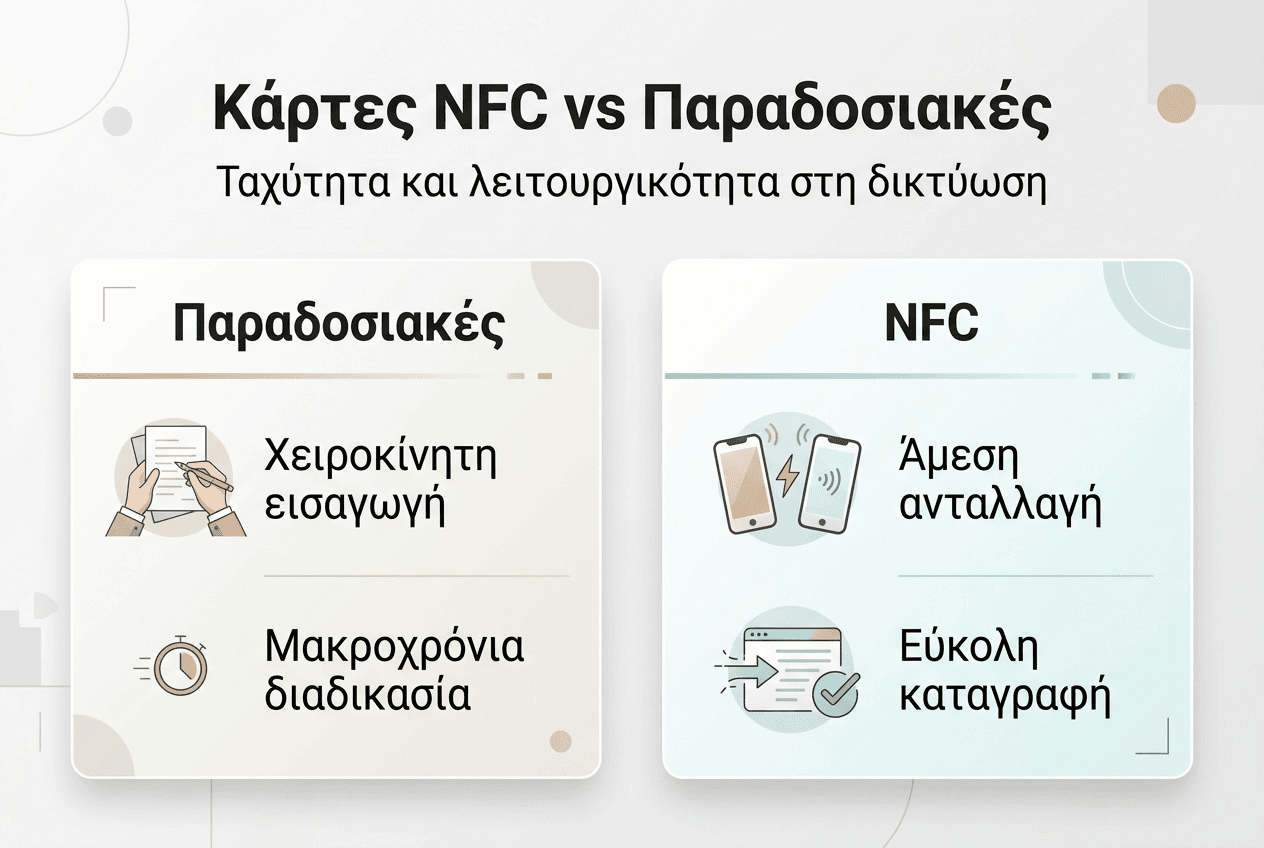
Combine NFC card usage with personal follow-up emails for maximum impact. Within 24-48 hours after a meeting, send a short message referring to your conversation. This reinforces the connection and increases the likelihood of collaboration.
Pro tip: Monitor which information on your profile gets the most clicks. If you see that visitors are more interested in your portfolio than social media, adjust the layout to highlight it.
Long-term benefits include:
- Reducing card printing costs by 80-90%
- Increasing lead conversion rate by 40-60%
- Saving up to 5 hours of contact management time monthly
- Improving professional image and perception of innovation
For a detailed comparison of benefits, see the article NFC business card vs paper card, which analyzes the differences in cost, effectiveness, and environmental impact.
Upgrade your networking with TagTouch digital business cards
If you want to implement everything you learned in this article, TagTouch offers the ideal solutions for professional NFC networking. Our cards combine elegant design with durability and full compatibility with all modern devices.
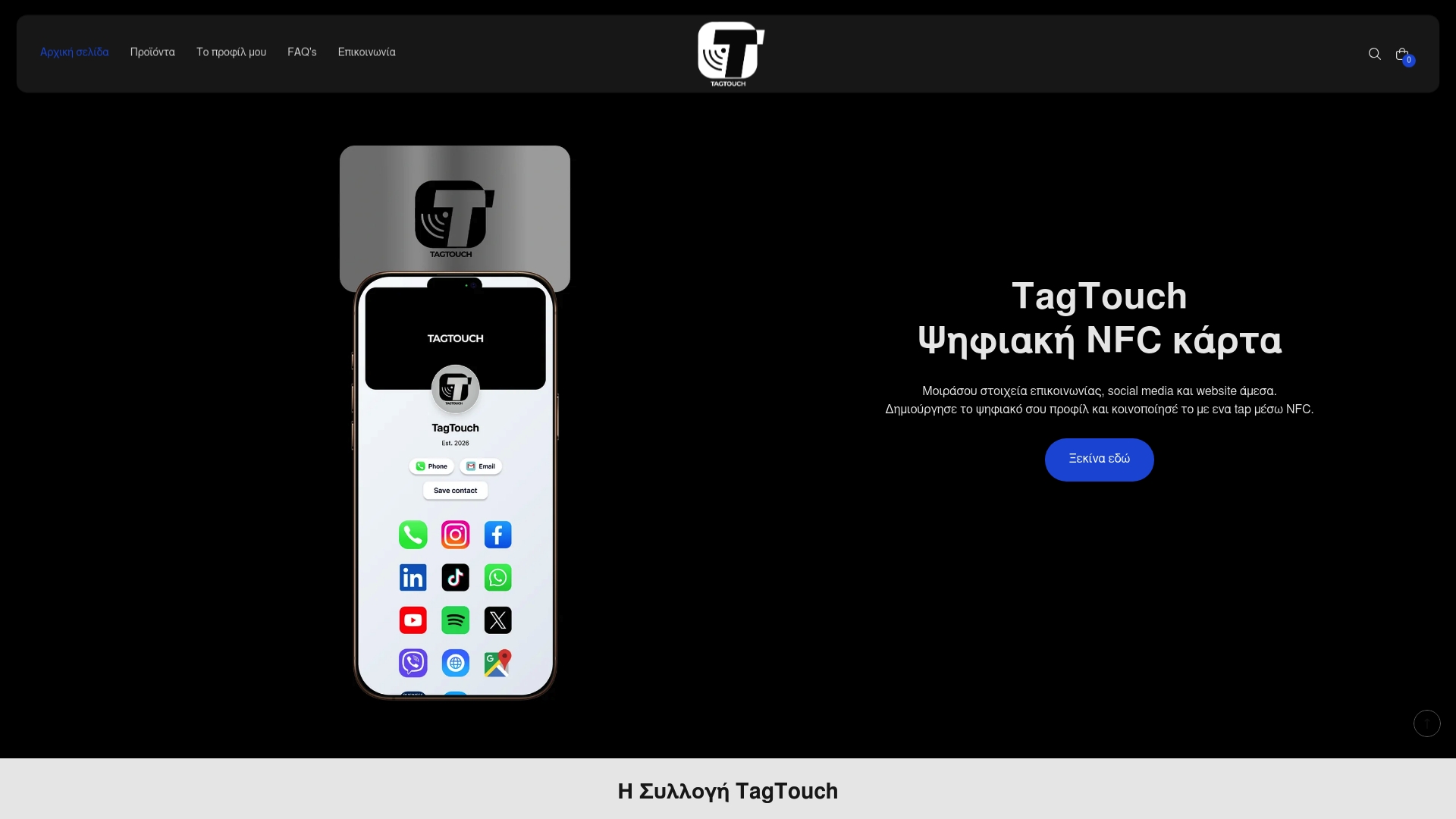
The white NFC PVC card offers classic elegance and durability for daily use. It is ideal for professionals who want a reliable solution at an affordable price. The mirror NFC card stands out with its mirrored surface, offering a modern aesthetic that leaves an impression. For those seeking a premium feel, the black NFC metal card combines luxurious metal construction with advanced technology.
Every TagTouch product connects to a customizable digital profile where you can showcase all your information in one place. Update your details at any time without needing to reprint cards. Make your networking faster, smarter, and more modern with TagTouch.
Frequently Asked Questions
What is NFC technology and how does it work?
NFC is a near-field wireless communication technology that allows data exchange between devices at a distance of a few centimeters. It works via electromagnetic induction when two NFC-enabled devices are brought close to each other. The technology is widely used for contactless payments, access control, and exchanging professional details.
How does NFC help in professional networking?
NFC makes the exchange of professional information faster and more efficient than traditional methods. With a simple tap, you can share your entire digital profile, including contact details, social media, your website, and portfolio. This saves time and increases the likelihood that your contacts will keep your details.
What are the three main NFC operating modes?
The three main modes are Reader/Writer for reading NFC tags, Peer-to-Peer for direct data exchange between two devices, and Card Emulation, which allows the device to function as a card. Each mode serves different applications in professional networking and information exchange.
Does NFC work with iPhone?
Yes, iPhones from the model 7 and later support NFC, but with some limitations. iOS systems do not directly read vCard data from NFC tags, so the best approach is to use a URL that leads to a digital profile. This ensures compatibility with both Android and iOS devices.
How much does an NFC business card cost?
Prices vary depending on the material and features. Basic PVC cards start at 10-15 euros, while premium metal cards can cost 30-50 euros. The cost is quickly offset as there is no need to reprint cards when your details change, and you can update your digital profile for free.
Can I update the information on my NFC card?
If your card is linked to a digital profile via a URL, you can update the information at any time without changing the card. If the data is stored directly on the NFC tag, you need a rewritable card and a special app to make changes. The first approach is more flexible and is recommended for professional use.