

Many professionals treat the digital business card as a mere gadget. In reality, NFC technology is changing the way you share your professional profile. Instead of fumbling for paper cards at a meeting, a single tap is enough to transfer all your details. This article explains what a networking profile is, how NFC technology works in practice, what are the best configuration practices, and how to protect your data.
Table of contents
- What is a networking profile and why is it critical for professionals
- How an NFC networking profile works: Practical and technical aspects
- Configuring and managing a networking profile: Best practices and common mistakes
- Security, compatibility, and privacy: What you need to know
- Practical steps for effective networking with NFC cards
- Choose a TagTouch NFC card for professional networking
- Frequently asked questions
Key Takeaways
| Point | Details |
|---|---|
| Proper networking profile | Detailed profile configuration increases your credibility. |
| NFC simplifies networking | With an NFC card, your information is transferred faster and more easily. |
| Technical limitations | Some devices have NFC functional gaps that require attention. |
| Personal data security | Proper NFC usage ensures the privacy and protection of your data. |
| Application in daily meetings | Practical use of an NFC card improves networking results in professional meetings. |
What is a networking profile and why is it critical for professionals
A networking profile is the set of professional information you present to others while networking. It includes contact details, professional title, links to social media, website, and portfolio. A comprehensive profile creates credibility and facilitates the continuity of professional relationships.
A proper professional presence directly influences the opportunities that arise. According to research, the use of professional networks significantly increases the chances of career advancement. The difference between an updated digital profile and an old paper card is substantial.
Key advantages of a digital networking profile include:
- Instant updates to information without reprinting
- Access to multiple communication channels from one place
- Ability to track who has viewed your profile
- Reduced printing and storage costs
- Environmentally friendly choice
“A digital presence is no longer optional for professionals. It is the first thing potential partners check.”
The benefits of NFC networking extend this logic by combining the digital profile with a physical card. An NFC connection profile acts as a central hub for all professional information.
How an NFC networking profile works: Practical and technical aspects
NFC (Near Field Communication) allows for data transfer over a distance of a few centimeters. An NFC card contains a microchip that stores a link to your digital profile. When you bring the device near the card, the link opens automatically.

According to technical NFC details, iPhones prior to the XS have limited background NFC reading, while older Android devices have a 15% failure rate. Also, the precise contact position varies by phone model.
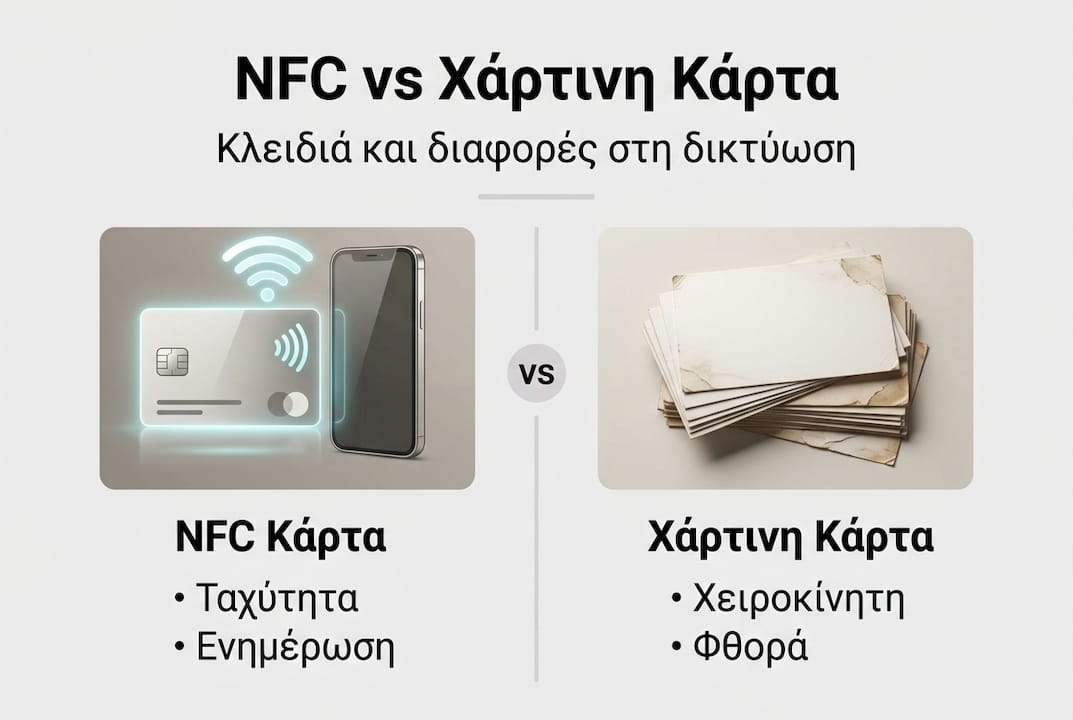
Comparison of traditional vs. NFC cards
| Feature | Paper card | NFC card |
|---|---|---|
| Updating information | Reprinting | Instant online |
| Long-term cost | High | Low |
| Environmental impact | Negative | Neutral |
| Tracking capability | None | Available |
| Compatibility | Universal | Device-dependent |
Steps for proper NFC card usage:
- Ensure NFC is enabled on the device
- Hold the card steadily near the back of the phone
- Wait 1-2 seconds for reading
- The link will open automatically in the browser
Professional tip: Avoid thick phone cases when reading NFC. Metallic materials and thick cases create interference and reduce the reliability of the contact.
The comparison of NFC vs. paper cards clearly shows the advantages of the digital solution. For a complete guide, check out step-by-step NFC networking and tips for modern networking with NFC.
Configuring and managing a networking profile: Best practices and common mistakes
Configuring a networking profile is just as important as the card itself. An incomplete or outdated profile creates a bad impression. Details must be current, links functional, and the presentation clean.
Common mistakes in profile configuration
| Mistake | Consequence | Solution |
|---|---|---|
| Outdated information | Inability to communicate | Regular check |
| Broken links | Negative impression | Test before every event |
| Excessive information | Confused visitor | Select key details |
| Low-quality photo | Unprofessional image | Professional photo |
Key elements a proper profile should include:
- Full name and professional title
- Active phone number and email
- Links to LinkedIn and other professional networks
- Website or portfolio (if any)
- Short professional description
According to network optimization, regular maintenance and verification of details increase networking effectiveness. Also, according to technical data, material and device incompatibility is one of the main reasons for NFC contact failure.
Professional tip: Test your profile from different devices before every important event. This way, you identify compatibility issues early.
There are many reasons to use NFC cards for professionals. See how TagTouch users leverage the platform's capabilities in their daily networking.
Security, compatibility, and privacy: What you need to know
Security in NFC networking concerns both technical features and data management. It is not enough to just have an NFC card; you need to know the limitations and risks.
Key compatibility issues you should know:
- iPhones prior to the XS do not support background NFC reading
- NFC must be enabled in device settings
- Thick or metallic cases block the signal
- Older Android devices have a 15% failure rate
- For iOS, there is an alternative method via URI for vCard
Points of caution for privacy:
- Do not include sensitive personal data in the public profile
- Use a platform with access control capabilities
- Regularly check who has access to your information
- Avoid third-party apps without a clear privacy policy
“The security of NFC devices depends on proper configuration and conscious use. The technology itself does not guarantee protection.”
The Mirror NFC Card from TagTouch is designed for professional use with materials that do not interfere with the signal. For special networking cases, see also networking for influencers.
Practical steps for effective networking with NFC cards
Effective use of an NFC card requires preparation. It is not enough to just carry the card; it requires proper setup and a strategic approach.
Preparation steps before every networking event:
- Update the digital profile with the latest details
- Test the card on at least two different devices
- Ensure all links are working correctly
- Have an alternative sharing method (QR code or URL) for devices without NFC
- Charge your phone before the event
Tips for effective networking in practice:
- Briefly explain how the card works if the person you're speaking with is not familiar
- Keep the card in an easily accessible place, not deep in your bag
- Ask for the other person's details to show mutual interest
- Follow up within 24 hours after meeting
- Use your profile as a conversation starter
For a complete NFC networking guide with step-by-step instructions, there is detailed information for every type of professional. TagTouch NFC Business Cards cover different needs and budgets.
Choose a TagTouch NFC card for professional networking
TagTouch offers NFC cards for every professional need. Each card connects to a customizable digital profile that is updated instantly. No reprinting is needed when your details change.
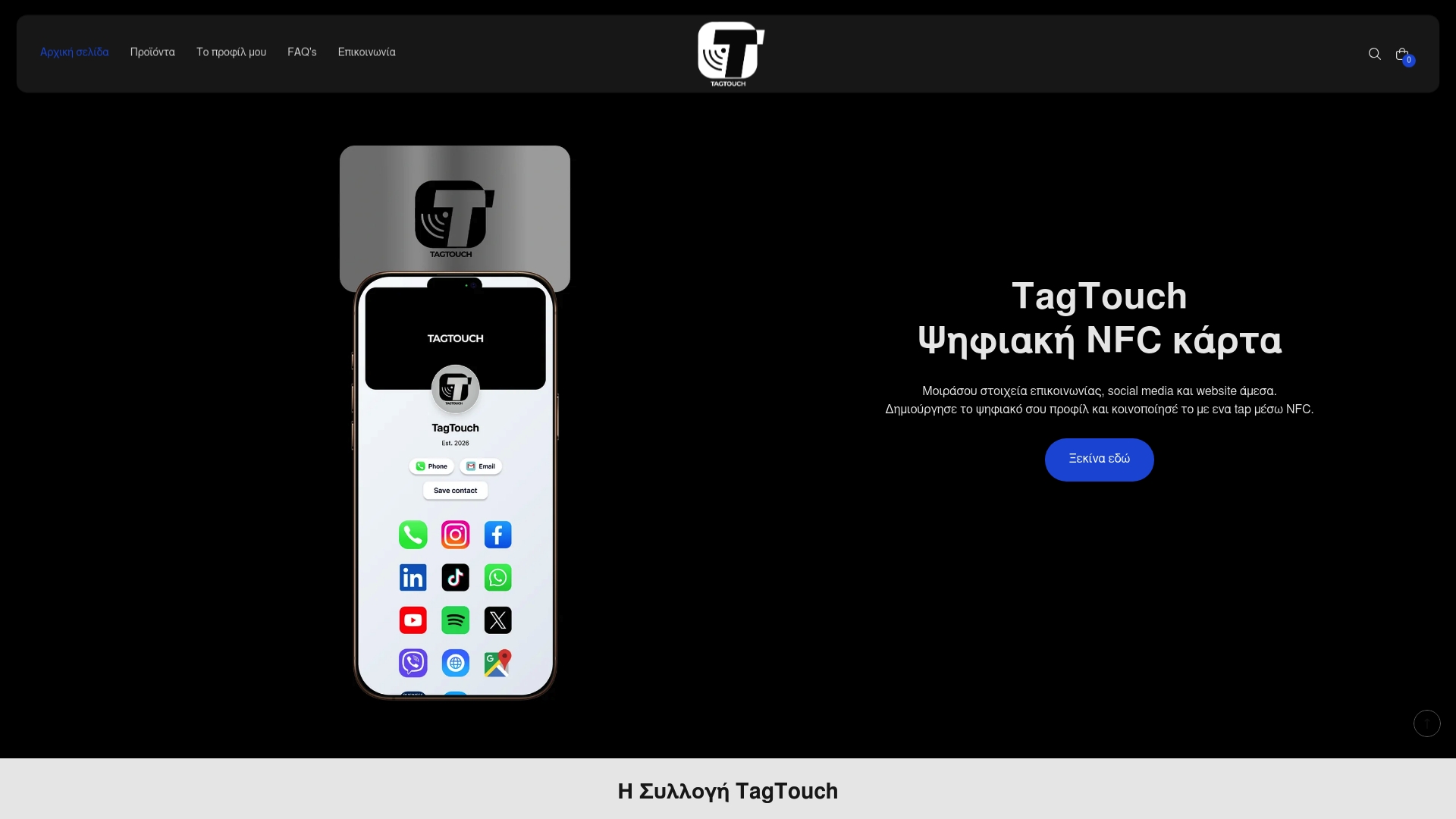
Available options:
- Mirror NFC Card: Metallic card with a mirrored finish. Professional look for high demands.
- White NFC PVC Card: Classic white PVC card. Lightweight and durable for daily use.
- Blue NFC PVC Card: Blue PVC card. A discreet alternative for a different presentation style.
All TagTouch cards support instant profile updates and compatibility with most modern devices. Installation is simple and does not require technical knowledge.
Frequently asked questions
What is NFC and how does it help with networking?
NFC is a short-range wireless communication technology that allows information to be transferred with a single tap. On compatible devices, it automatically opens the cardholder's digital profile, according to technical data.
Can I use NFC cards on all devices?
The majority of modern smartphones support NFC, but older Android devices have a 15% failure rate and iPhones prior to the XS have limited functionality. In these cases, an alternative method via QR code or URL is the best solution.
Is managing personal data via NFC secure?
Yes, provided you use a reliable platform and avoid entering sensitive data in your public profile. NFC security depends primarily on the user's choices.
What happens if the device does not support NFC?
On older devices without NFC, you can share your profile via QR code or direct URL, according to alternative methods. TagTouch also supports these options in the digital profile.
Recommended
- 7 reasons to use the TagTouch NFC Business Card
- Understand the NFC connection profile for professionals – TagTouch
- Why you should replace paper cards with an NFC Business Card – TagTouch
- NFC networking for influencers: Easy connection and follower growth – TagTouch
- Role of NFC Tags: Transforming Digital Wellness
- Cómo NO hacer networking | JEZZ Media Agencia de Marketing Online