

Traditional networking with paper cards is slow, cumbersome, and often ineffective. You waste valuable time searching for cards, writing down details, and trying to organize contacts. NFC technology changes this experience by offering an instant, modern, and smart method of exchanging professional information with a simple tap. This guide will show you step-by-step how to use NFC cards to upgrade your networking in 2026, impress professional contacts, and save precious time at every meeting.
Table of Contents
Key Takeaways
| Point | Details | |
|---|---|---|
| Instant information transfer | NFC cards share contact details in less than 1 second with a simple tap. | |
| Immediate updates | Any change is applied instantly via your TagTouch profile. | |
| Custom professional image | Personalized NFC cards boost your personal brand and create a strong impression. | |
| Hybrid NFC and QR solutions | Cards that combine NFC with QR codes offer flexibility and compatibility with more devices. | |
| Preparation is key | Successful networking with NFC requires an updated profile, functional equipment, and proper execution. |
What you need to get started with NFC networking
To start networking effectively with NFC, you need specific tools and an understanding of the available options. The basic hardware includes an NFC card or tag and a smartphone with built-in NFC support. Most modern Android devices and iPhones from model 7 onwards have this feature enabled by default.
In Greece, providers such as tagtouch.gr offer customizable NFC cards from 25 to 70 euros per card with editable profiles and hybrid NFC and QR functionality. The cards come in various materials such as wood, PVC, metal, and acrylic, allowing for customization according to your professional image and budget. The choice of material affects both the aesthetics and the durability of the card.
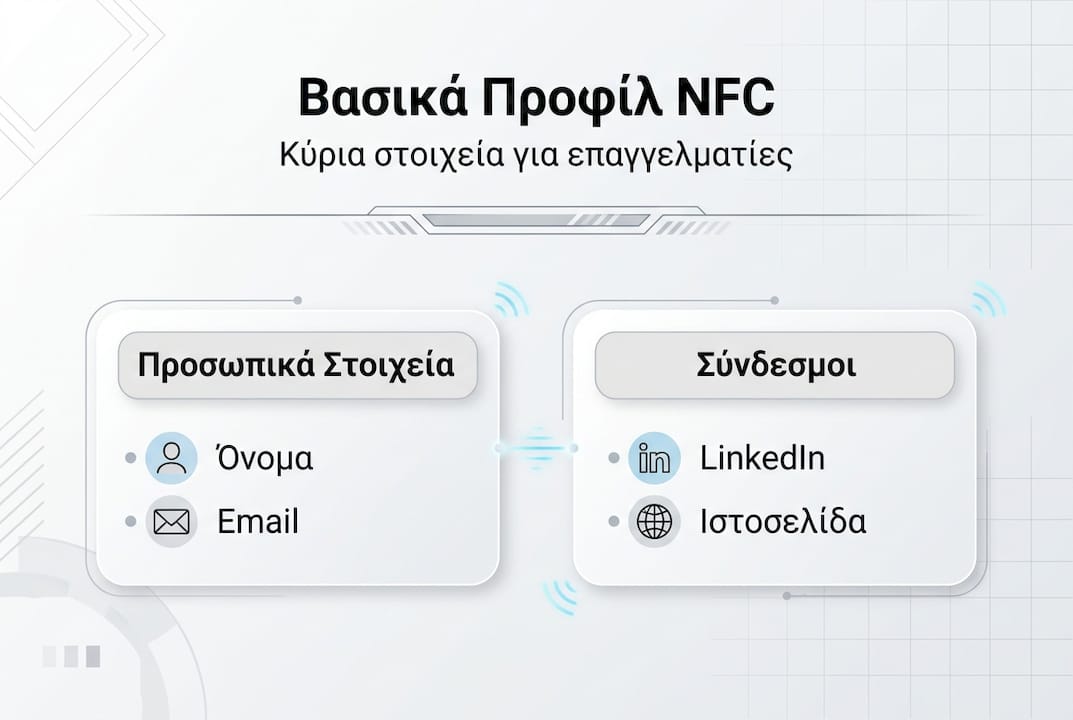
Customizable digital profiles are a key element. You can insert multiple links, contact details, social media, and portfolios. This flexibility turns a simple card into a comprehensive networking tool. You update your profile at any time without needing to reprint cards, saving time and money.
Prices vary depending on the material and quantity. Wholesale orders reduce the cost per card significantly, making the investment affordable for teams or businesses. For more information regarding what an NFC business card is, explore the available options and features that suit your needs.
How to use NFC for instant professional networking
Executing networking with NFC is simple but requires the right approach to maximize the impression. Follow these steps to ensure a smooth and professional interaction at every meeting or event.
-
Approach the professional contact and present your NFC card clearly and confidently.
-
Politely explain that by simply tapping their smartphone to the card, they will instantly receive your contact details.
-
Ensure your digital profile is updated with all relevant information before every meeting.
-
Ask them to confirm they have received the data correctly by checking their screen.
-
Use the moment to share additional information such as social media, website, or portfolio included in the profile.
-
Keep the conversation natural and professional, emphasizing your modern approach to networking.
The speed of the exchange is a significant advantage. NFC sharing is completed in 1 second compared to QR scanning which takes 2 to 3 seconds, offering a premium and seamless user experience. This difference strengthens the perception of professionalism and technological innovation.

Professional tip: Before important meetings or events, test your card with your own smartphone to confirm that everything is working perfectly. Check that the profile loads quickly and displays the correct information.
Communication is as important as technology. Use polite and clear language when presenting the NFC feature. Many professionals may not be familiar with the technology, so a brief explanation creates a positive experience. Avoid technical jargon and focus on the ease and speed.
After the exchange, follow up with an email or message. Mention the meeting and emphasize the convenience of the digital exchange. This strengthens the connection and shows professionalism. For more details on step-by-step NFC networking, explore advanced techniques and strategies that maximize efficiency.
Using NFC also acts as an excellent icebreaker. The modern technology sparks interest and initiates natural conversations about innovation, digital transformation, and professional efficiency. Take advantage of this opportunity to create memorable first impressions.
Common mistakes and how to avoid them when using NFC for networking
Even with the best technology, certain mistakes can undermine the effectiveness of your NFC networking. Understanding these pitfalls helps you avoid them and ensures smooth interactions.
-
Do not neglect the regular updating of your digital profile. Outdated information creates a negative impression and you lose opportunities.
-
Avoid giving NFC cards to people without NFC-enabled smartphones. Ask discreetly before offering the card.
-
Do not forget that NFC requires an internet connection to access the profile, and the lack of a link preview may affect user trust compared to QR codes.
-
Ensure the card is physically intact and the chip is working correctly before events. Damaged cards cause frustration.
“Preparation is the key to successful networking. Always check your equipment and your digital profile before important meetings to avoid technical issues that can undermine your professional image.”
Maintain polite and clear instructions when introducing NFC usage to contacts. Some may not have used the technology before and need guidance. Patience and a friendly approach make the difference between a successful and an awkward exchange.
Anticipate that some recipients may prefer QR codes due to familiarity or device limitations. Hybrid cards that combine NFC and QR provide flexibility and ensure no one is excluded. This foresight reinforces your professional image and shows consideration for the needs of others.
Avoid overloading your profile with excessive information. Keep content relevant, organized, and easy to navigate. Too many links or data can confuse recipients and reduce effectiveness. For more comparisons regarding NFC business cards vs. paper cards, understand the pros and cons of each method.
What to expect after using NFC in your networking
Integrating NFC into your networking brings specific benefits that transform how you connect with professional contacts. Understand what to expect to evaluate the success of your investment.
Expect an almost instant transfer of information that dramatically improves networking efficiency. You no longer need to write down details or search for slips of paper. Everything is transferred digitally and saved automatically to the recipient's device. This speed frees up time for meaningful discussions instead of administrative tasks.
You gain a modern and technologically advanced perception that enhances your brand. Professionals who use NFC networking provide a faster and premium experience, increasing trust and engagement compared to older methods. First impressions count, and using advanced technology sets you apart from the competition.
| Traditional Networking | NFC Networking |
|---|---|
| Manual data entry | Automatic digital storage |
| Paper cards that get lost | Permanent digital data |
| Static information | Updatable content |
| One piece of info at a time | Multiple links and social media |
| Slow exchange | 1-second exchange |
Experience the ease of sharing multiple contact points without physical clutter. A profile can include email, phone, LinkedIn, website, portfolio, Instagram, and much more. This comprehensive approach ensures that contacts have access to all the information they need to connect with you.
-
Improved efficiency at events and meetings
-
Enhanced professional image and credibility
-
Reduced contact management time
-
Increased likelihood of follow-up from recipients
-
Environmental sustainability without paper cards
Use NFC as an icebreaker tool in professional settings. The technology sparks interest and helps you start conversations naturally. People remember the interaction and associate you with innovation and efficiency. For more reasons to use an NFC business card, explore how the technology opens up new opportunities in your professional growth.
Upgrade your networking with TagTouch digital NFC cards
After understanding how to network effectively with NFC, the next step is to choose tools that meet your professional needs. TagTouch offers NFC cards in various materials and designs to suit every profile, from lightweight PVC options to premium metal cards that impress.
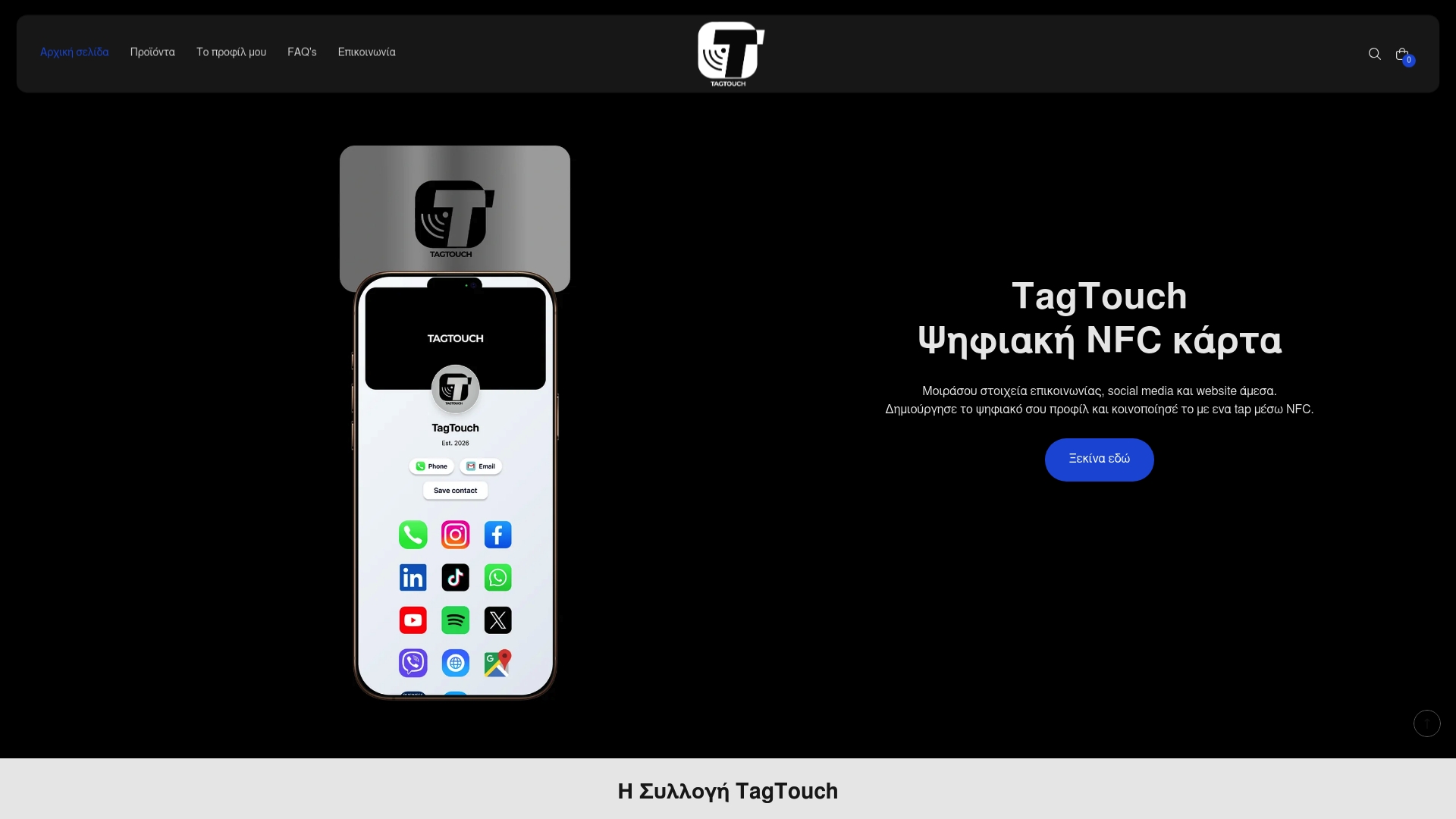
The cards include advanced chips that support rich digital profiles with multiple links, social media, portfolios, and more. The hybrid NFC and QR functionality ensures maximum compatibility with all devices. Choose from the mirror NFC card for stunning aesthetics, the white NFC PVC card for classic simplicity, or the black NFC metal card for a premium weight and durability. Seamless ordering and customization improve the user experience and your professional appearance, simplifying the integration of NFC networking into your daily professional life.
How to network with NFC: Frequently Asked Questions
How do NFC business cards work in practice?
NFC business cards contain a small chip that stores digital information. When an NFC-enabled smartphone comes near the card, the chip transmits data wirelessly in less than 1 second. The recipient gets instant access to your customized digital profile with all professional information, without needing an app or registration.
Can I customize my NFC card with multiple links?
Yes, modern digital NFC profiles support unlimited links and content. You can include contact details, social media, website, portfolio, videos, WiFi credentials, and anything else you need. Update your profile at any time through the provider's platform without changing the card.
Is NFC compatibility universal for all smartphones?
No, while most modern smartphones support NFC, some older devices or entry-level models do not have the feature. iPhones from model 7 onwards and most Android phones since 2015 have NFC. For maximum compatibility, choose hybrid cards with NFC and QR code.
What happens if the other person doesn't have an NFC-enabled phone?
In this case, hybrid cards with an integrated QR code solve the problem. The recipient can simply scan the QR code with their smartphone camera and get access to the same digital profile. This dual functionality ensures that no one is excluded from the networking.
Do NFC cards completely replace traditional business cards?
NFC cards offer significant advantages in speed, flexibility, and modern image, but some professionals prefer to keep paper cards for traditional settings. The ideal approach often combines both methods depending on the audience and the context of the meeting, ensuring maximum efficiency in every situation.